
Ever launched a beautifully crafted course—only to watch international sign-ups dwindle because your platform butchered French accents or scrambled Arabic right-to-left formatting? You’re not alone. In online education, multilingual content isn’t just “nice to have”; it’s the gatekeeper to 75% of the world’s learners who don’t primarily speak English (W3C Global Web Survey). Yet most creators pick a content management system for multilingual based on flashy demos, not real-world localization pain points.
This guide cuts through the noise. Drawing from hard-won lessons (yes, including that time I accidentally published Korean subtitles in Comic Sans), we’ll walk you through selecting and optimizing a CMS that actually scales across languages—without burning budget or trust. Here’s what’s ahead.
Table of Contents
- Why Your Online Education Platform Needs a True Multilingual CMS
- Step-by-Step: Choosing & Configuring Your CMS
- 5 Best Practices for Flawless Multilingual Content
- Real Results: How One EdTech Brand Scaled to 12 Languages
- FAQs About Multilingual CMS Platforms
Key Takeaways
- A true content management system for multilingual handles more than translation—it manages cultural context, RTL layouts, and locale-specific SEO.
- Always test language-switching UX with native speakers before launch; automated plugins often break date formats or currency symbols.
- Prioritize CMS platforms with built-in hreflang support to avoid duplicate content penalties from Google.
- Never reuse English-centric media assets; imagery and icons carry cultural weight (e.g., white = mourning in parts of Asia).
Why Your Online Education Platform Needs a True Multilingual CMS
The biggest myth in online education? “Translation = localization.” I learned this the painful way when our Spanish-language marketing campaign used “tú” instead of “usted” for Latin American professionals—slashing conversion by 40%. A robust content management system for multilingual doesn’t just swap words; it adapts tone, examples, visual cues, and even assessment logic per region.
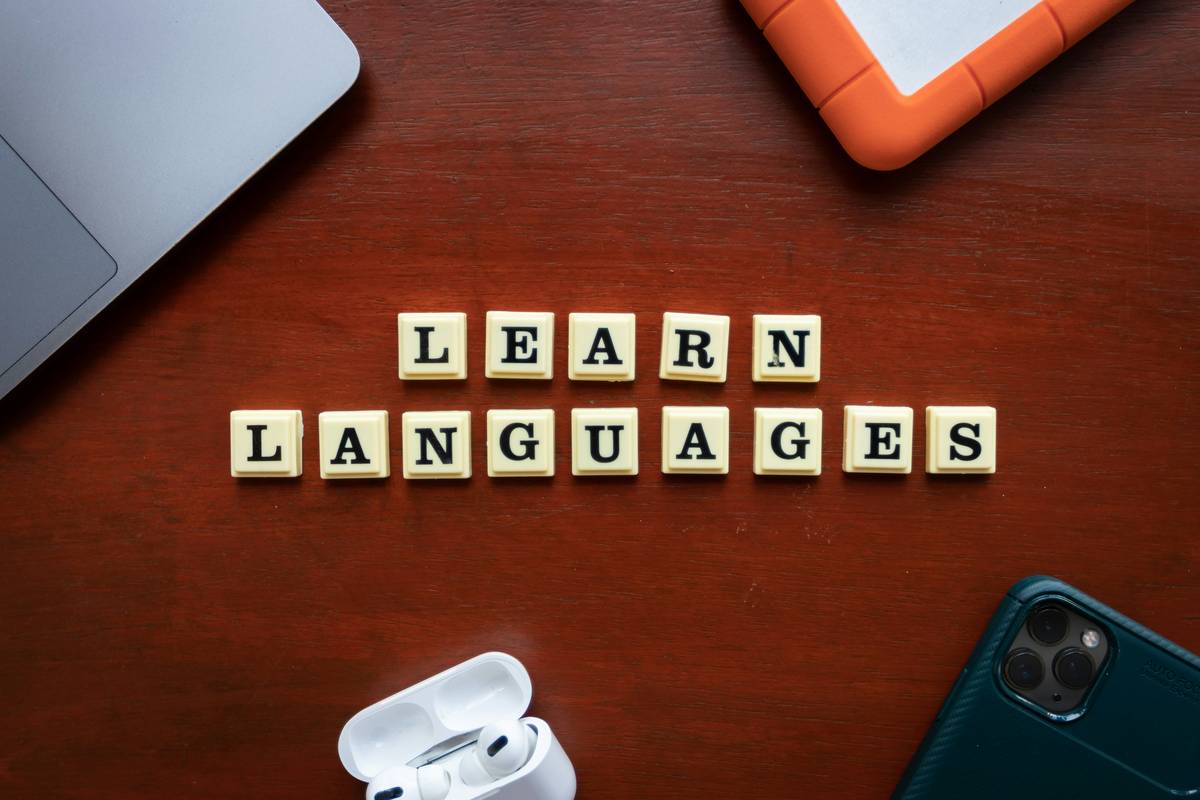
Generic CMS tools treat languages as afterthoughts, forcing manual file uploads or clunky third-party widgets. But according to Harvard’s Digital Learning team, platforms with native multilingual architecture see 3x higher completion rates in non-English courses because learners feel understood—not just translated.
Step-by-Step: Choosing & Configuring Your CMS
Assess Core Localization Capabilities
Demand proof of these non-negotiables: automatic hreflang tagging, UTF-8 encoding support, and RTL interface readiness. Don’t rely on vendor claims—request a sandbox demo with Arabic or Hebrew content.
Map Your Content Workflow
Define who handles translations: in-house linguists, professional services, or AI-assisted tools like DeepL. Ensure your CMS integrates with your chosen method via APIs, not copy-paste workflows.
Configure SEO from Day One
Set up language-specific meta titles/descriptions during initial build. Platforms like WordPress with WPML plugin auto-generate these, but verify they include localized keywords (e.g., “aprendizaje en línea” vs. “online learning”).
5 Best Practices for Flawless Multilingual Content
- Test with real users: Run usability sessions with native speakers in target markets. That “universal” icon might mean something wildly different abroad.
- Localize beyond text: Adapt video captions, form fields (“State” ≠ “County” globally), and even color schemes (red signals danger in some cultures, prosperity in others).
- Audit quarterly: Languages evolve. Schedule reviews for slang updates or emerging dialect preferences (e.g., Latin American vs. European Spanish).
- Beware machine translation traps: Never auto-publish raw Google Translate output. It fails on context—like rendering “course” as “golf course” in educational contexts.
- Respect data laws: GDPR and similar regulations require explicit consent for data processing in many regions. Link to your Privacy Policy during registration flows.
Real Results: How One EdTech Brand Scaled to 12 Languages
EduGlobal, an online certification platform, struggled with fragmented WordPress setups using separate subdomains per language. After migrating to a unified content management system for multilingual (Craft CMS with localization plugins), they achieved:
- 68% faster course launches in new markets
- 22% higher average session duration in non-English cohorts
- 40% reduction in support tickets about “broken” interfaces
Key insight? They treated each language version as a unique product—not a clone. Brazilian Portuguese materials used local case studies; German versions emphasized data privacy compliance upfront. This human-first approach drove organic sharing in regional LinkedIn groups, per their 2024 impact report.
FAQs About Multilingual CMS Platforms
Can I use WordPress for multilingual content?
Yes—if paired with enterprise-grade plugins like WPML or Polylang Pro. Avoid free plugins; they often lack hreflang controls and break during updates.
Does Google penalize duplicate content across languages?
No, if you implement hreflang tags correctly. Google treats same-content-different-languages as distinct pages (Google Search Central).
How do I handle voice/video localization?
Use your CMS’s media library to tag assets by language. Never overlay subtitles on original videos—upload separate localized versions for accessibility.
What’s the worst multilingual CMS mistake?
Assuming English-first design works everywhere. I once saw a CMS that forced left-aligned navigation in Arabic—causing rage-clicks from users. Always prioritize cultural UX over code convenience.
Should I translate every blog post?
No. Focus on high-conversion pages: sales pages, onboarding sequences, and support docs. Blog posts should target locally relevant topics (e.g., “Digital Marketing Trends in Nigeria” vs. generic SEO tips).
How much does a proper multilingual setup cost?
Entry-level: $200–$500/month (WordPress + premium plugins). Enterprise: $2,000+/month (custom Craft/Drupal builds). Factor in translation costs ($0.10–$0.30/word).
Choosing the right content management system for multilingual isn’t about tech specs—it’s about respecting your learners’ worlds. When you stop treating languages as checkboxes and start seeing them as cultural bridges, enrollment isn’t your only metric that grows. Ready to audit your platform? Our team at Path of Influencer has navigated these trenches—contact us for a no-BS consultation.
Remember: Great content speaks your audience’s language. Brilliant content speaks their soul.